32GB total VRAM for local AI experimentation and parallel workloads.
Personal Workstation Build
Dual-GPU AI Workstation
This machine is the core of my local AI, cybersecurity, automation, and development workflow. I built it to handle heavier experiments, local model work, and multi-project testing without relying only on cloud tools.
12-core processing for scripting, multitasking, and lab work.
Headroom for containers, dev tools, browsers, and multiple sessions.
Built to support AI, scraping, automation, and cybersecurity projects.
System Overview
Build Specs
Why This Build
Focused on capability over flash
I wanted a workstation that gave me strong local performance without jumping straight into extreme flagship pricing. The dual-GPU setup gives me flexibility for AI-related experimentation, while the rest of the build stays practical, repairable, and easy to iterate on.
Value Snapshot
- VRAM: 32GB total
- Focus: local experimentation at a more manageable cost
- Best fit: scripting, testing, lightweight local models, and multi-tool workflows
The point of this build is not to pretend it replaces every top-end system. It is a practical workstation built around the projects I actually want to run.
Build Progress
From parts to first boot
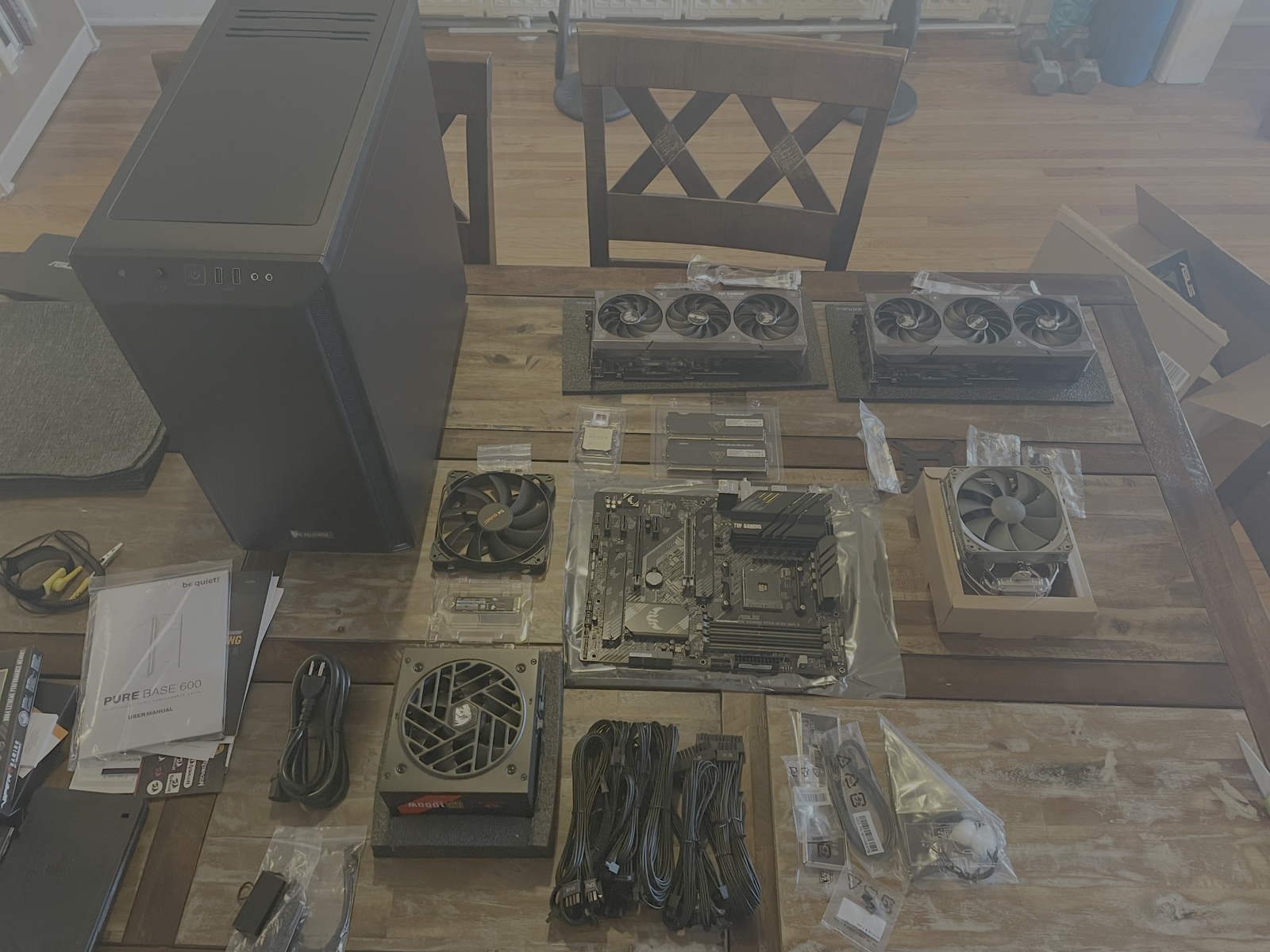
01 — Parts staged
All main components laid out before assembly.
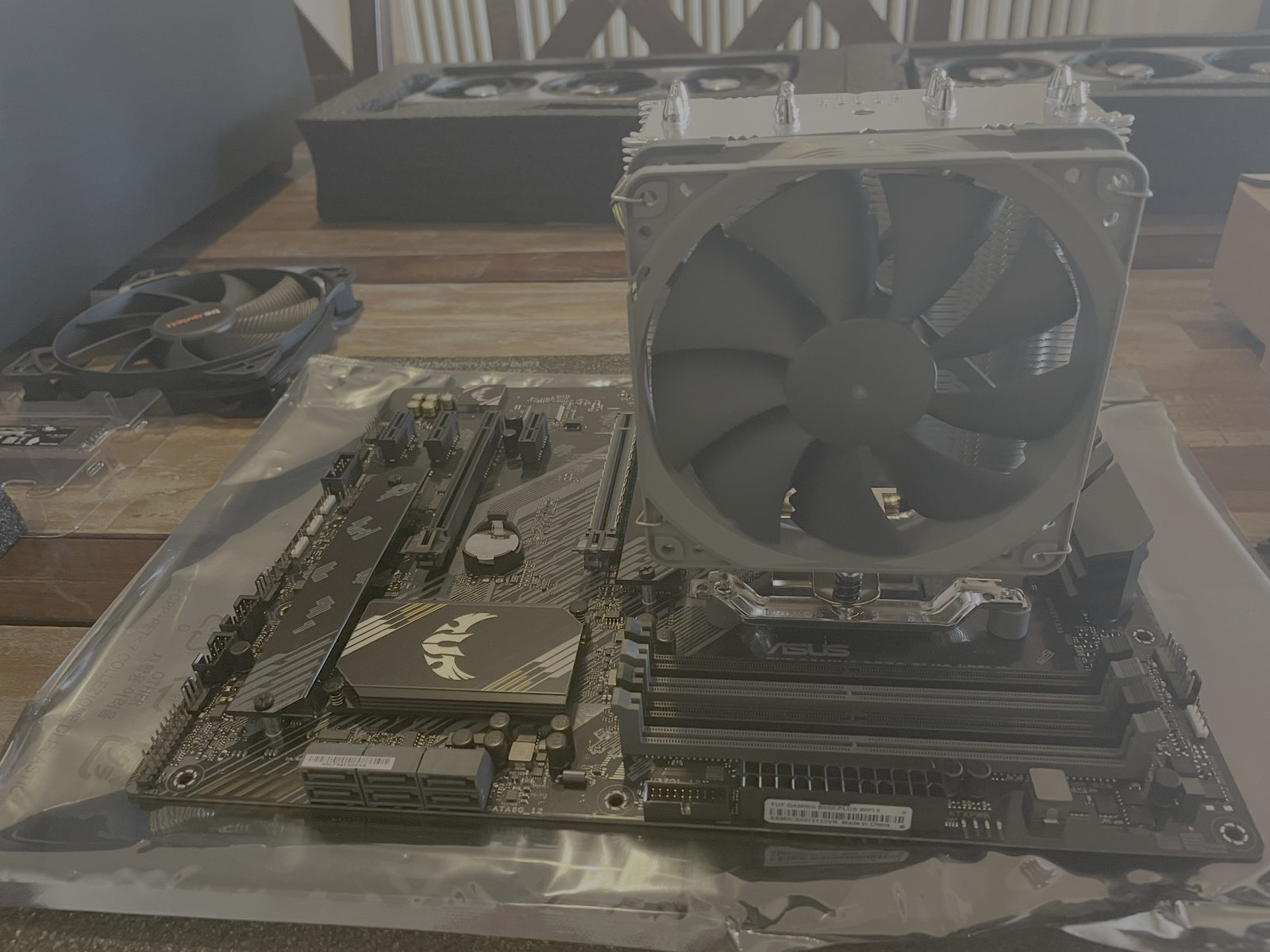
02 — CPU and cooler installed
Processor, cooler, and motherboard prep completed first.
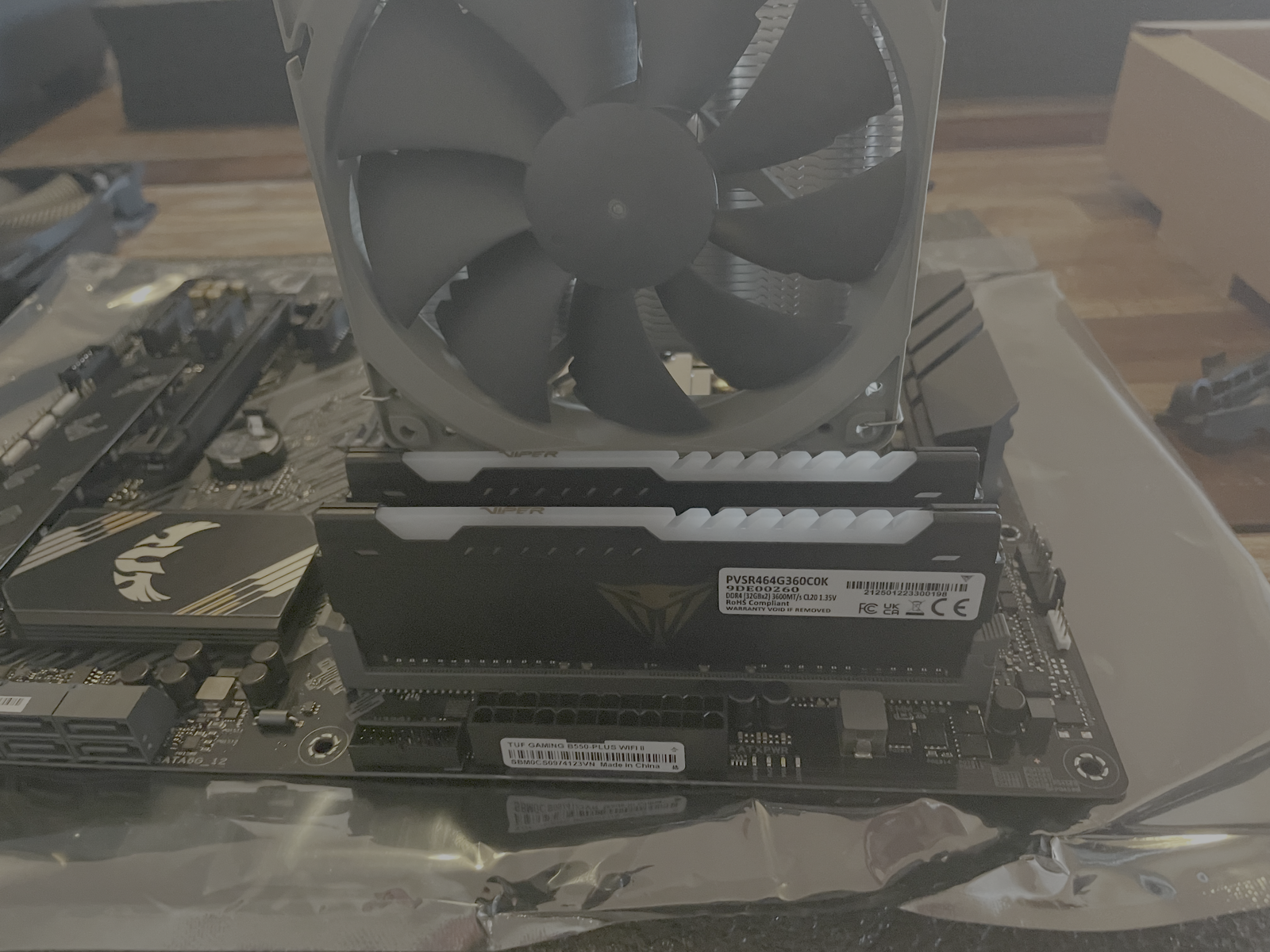
03 — Memory in place
64GB of RAM installed for heavier multitasking and lab work.
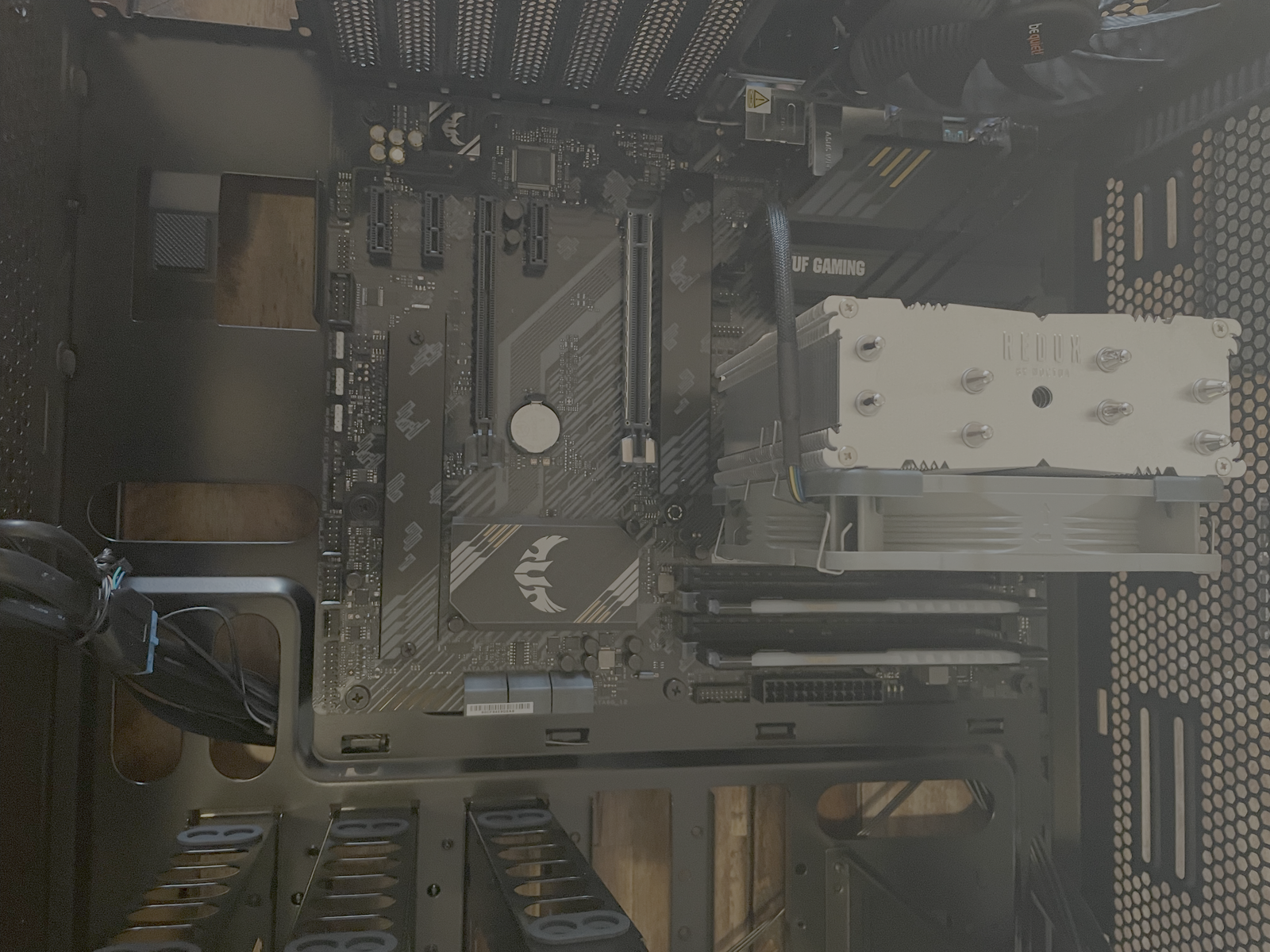
04 — Board mounted
Core system installed into the case and ready for power routing.
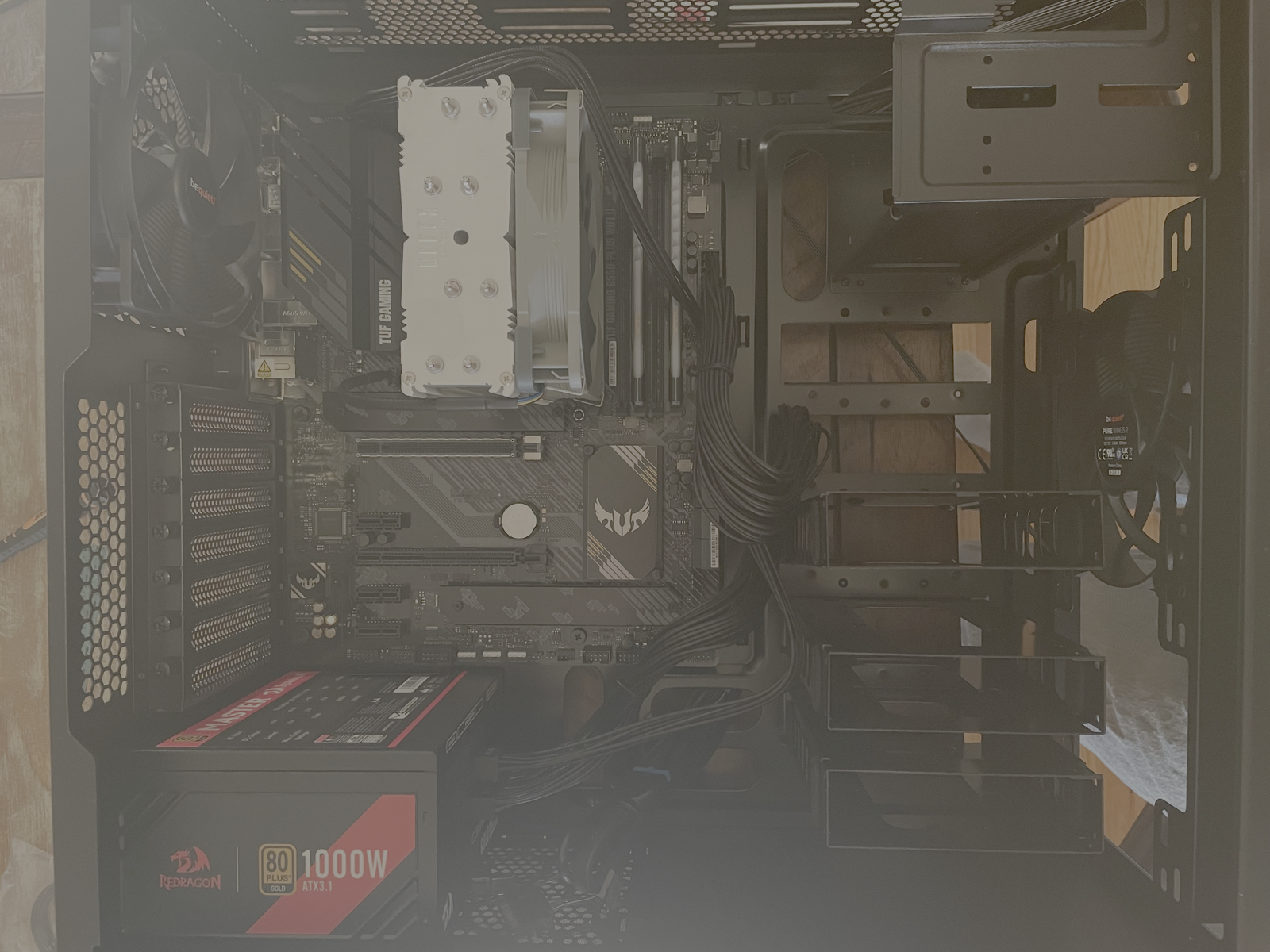
05 — PSU installed
Power supply seated before final cable runs and GPU setup.
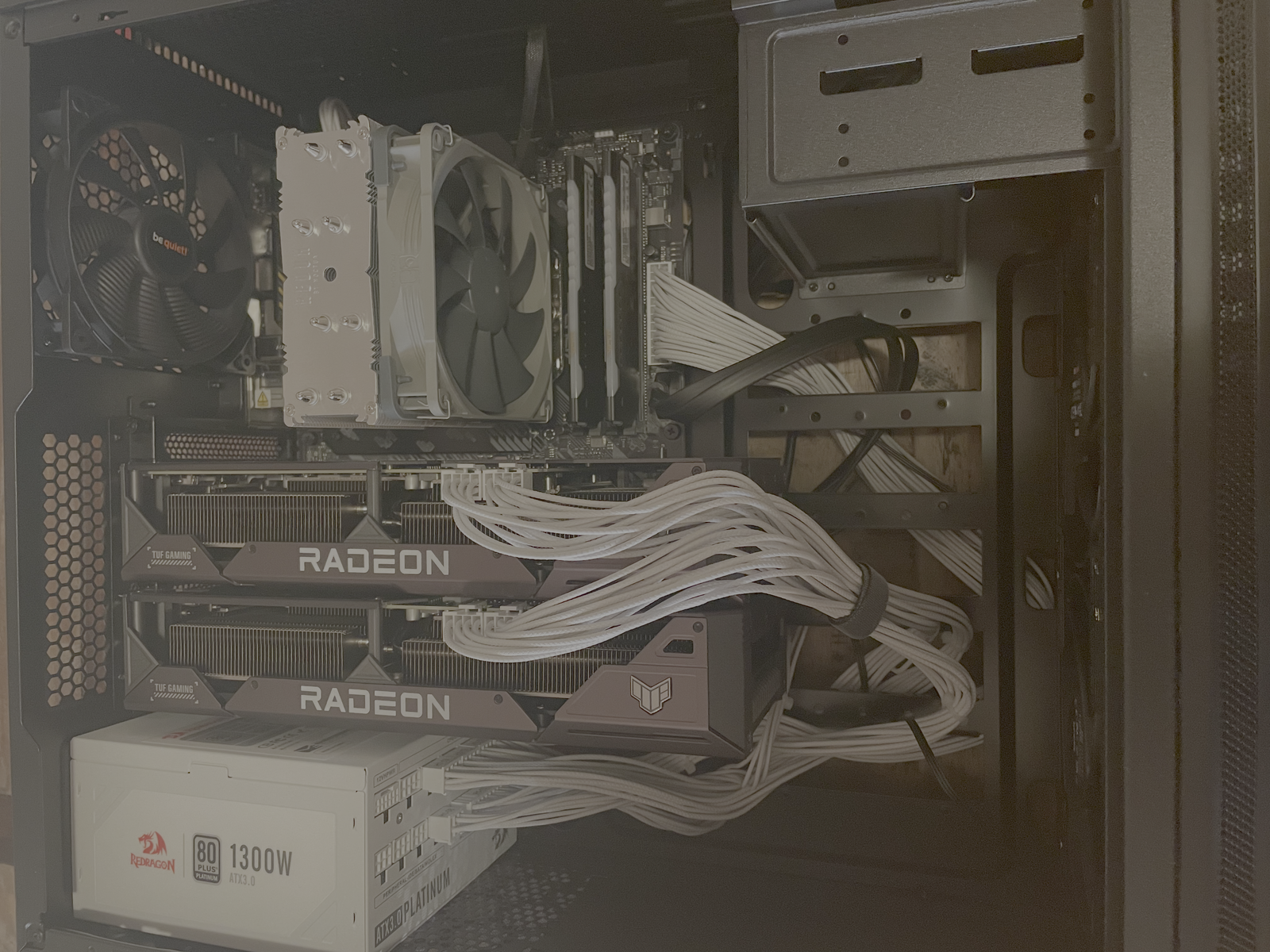
06 — Cabling corrected and finished
I replaced the earlier power supply because it did not provide the right cable setup for the full configuration. I avoided mixing cables across manufacturers and waited for the safer fit.
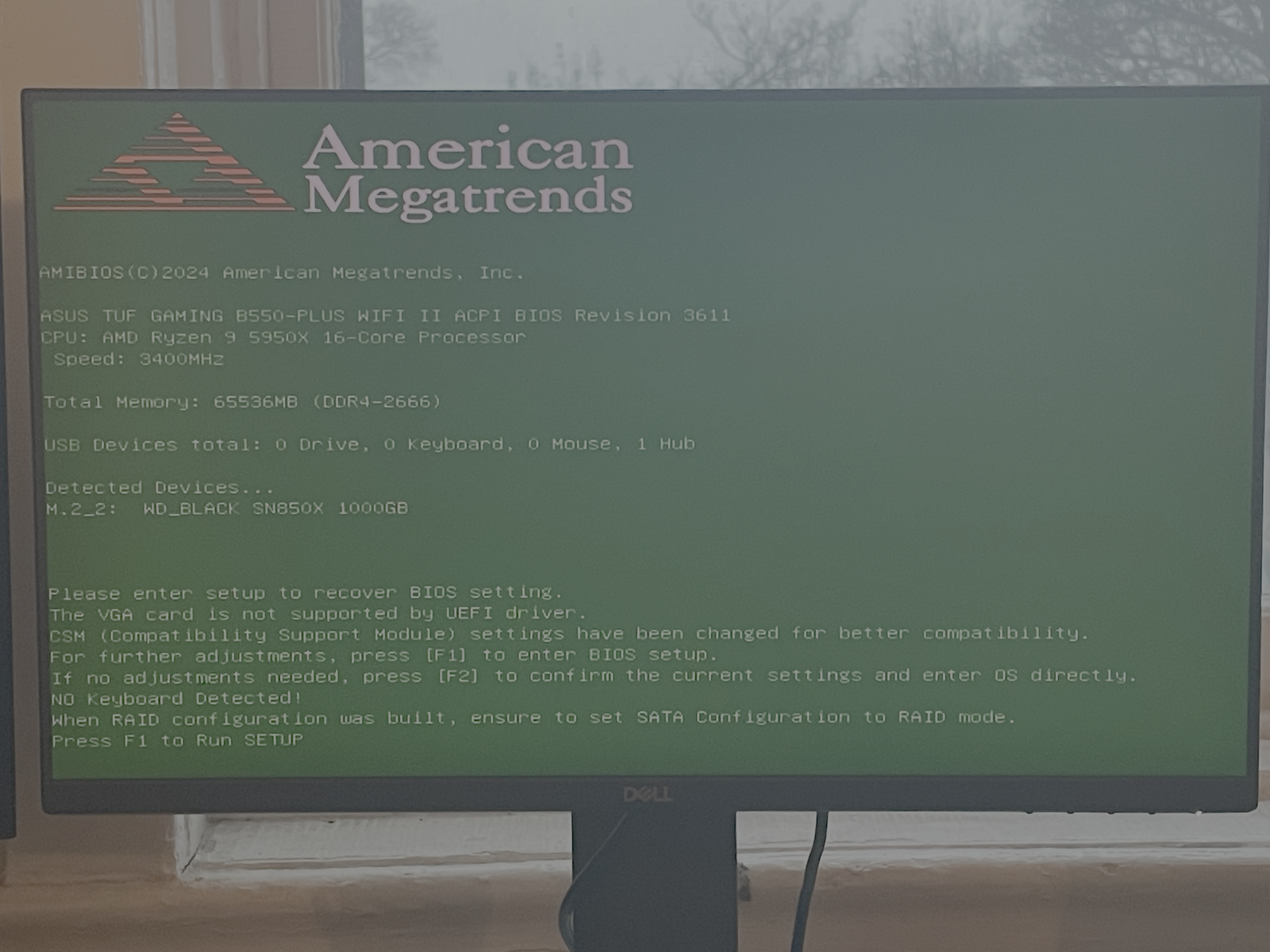
07 — First successful boot
The system powered on cleanly and became the base for my current workflow.