Project Case Study
SOC Lab v1: Proxmox & Wazuh
I built a home SOC lab with Proxmox, segmented networking, and a Wazuh server, working through network and installer issues to reach a working dashboard.
Lab documentation
Core stack
- Proxmox VE on a dedicated custom-built PC
- Ubuntu Server 24.04 virtual machine for Wazuh
- Wazuh all-in-one deployment
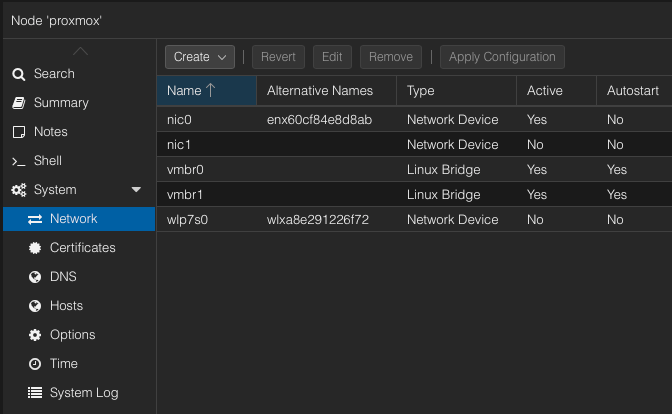
- vmbr0 for management and internet access
- vmbr1 for isolated internal lab traffic
What I built
- Installed Proxmox directly on bare metal and configured a static management IP.
- Created a real management bridge and a separate isolated lab bridge.
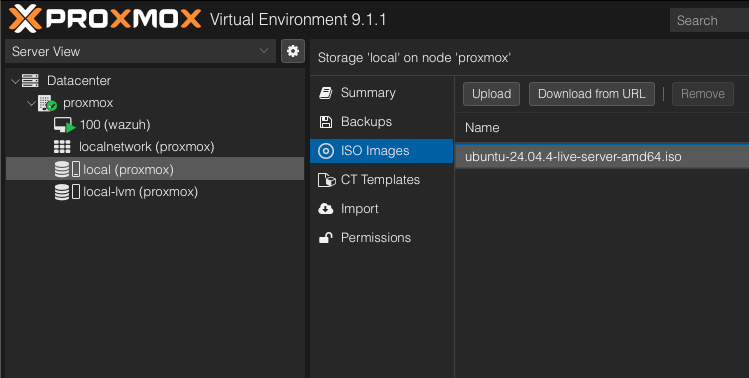
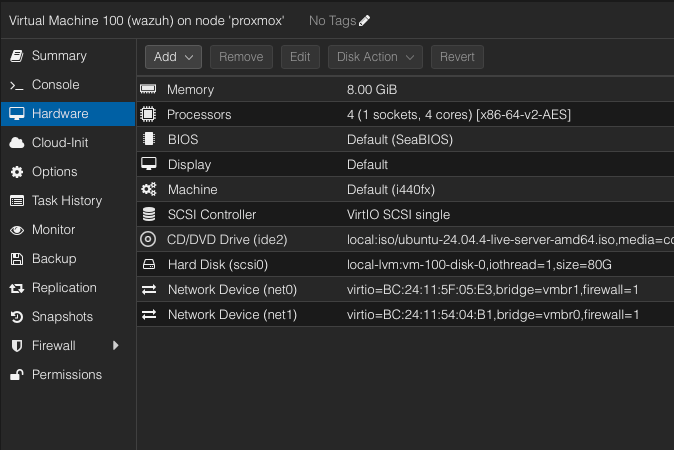
- Uploaded the Ubuntu Server ISO into Proxmox storage and created a dedicated Wazuh VM.
- Configured the Wazuh VM with two network interfaces: one for the lab network and one for internet and dashboard access.
- Installed the Wazuh manager, indexer, and dashboard successfully.
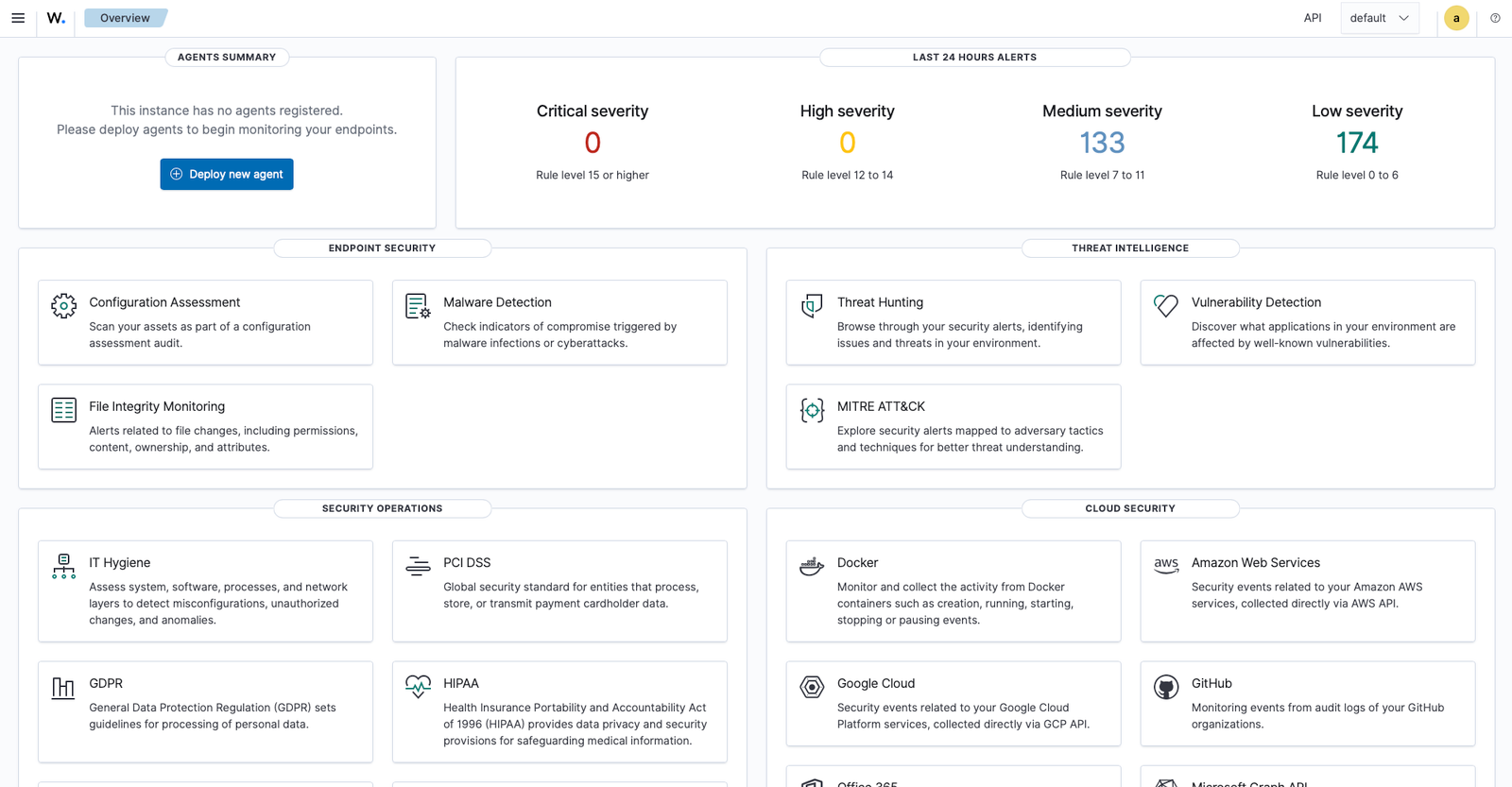
- Verified dashboard access from my laptop and logged into the platform successfully.
Issues I had to solve
The main obstacles were networking, DNS, and installer compatibility.
- Proxmox initially landed on the wrong subnet and had to be reconfigured manually.
- The server setup forced me to switch from a Wi-Fi-only office layout to a proper wired Ethernet connection.
- The Ubuntu VM interfaces were down until I manually brought them up and corrected the network configuration.
- DNS issues blocked package downloads and had to be fixed before the Wazuh install could proceed.
- An older installer download returned XML / AccessDenied instead of a real shell script.
- Ubuntu 24.04 required bypassing the installer compatibility check with
--ignore-check. - Corrected the dashboard address by removing the CIDR suffix; a 401 response was also noted during troubleshooting.
Evidence
Proof snapshots
These screenshots show the network setup, Ubuntu ISO upload, Wazuh VM hardware configuration, and final Wazuh login and dashboard access.
Completed in v2
Linux and Windows endpoints now send telemetry to Wazuh, with file integrity and failed-logon tests confirmed.
See endpoint monitoring results