Hardware + Systems Project
MacBook Air: Repair & Offline Library
I refurbished a 2015 MacBook Air, installed Xubuntu, and turned it into an offline library for programming and general reference.
What changed
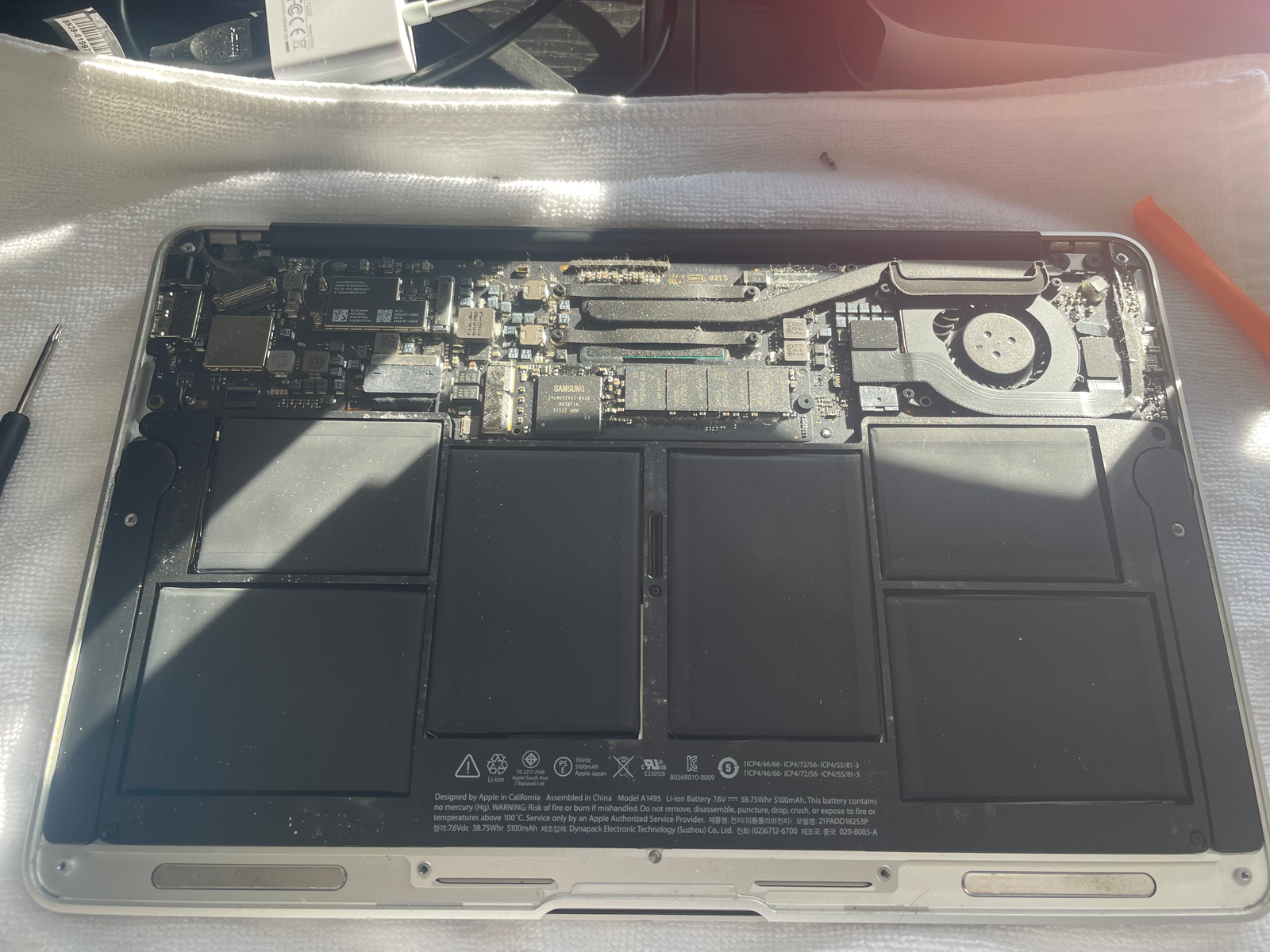
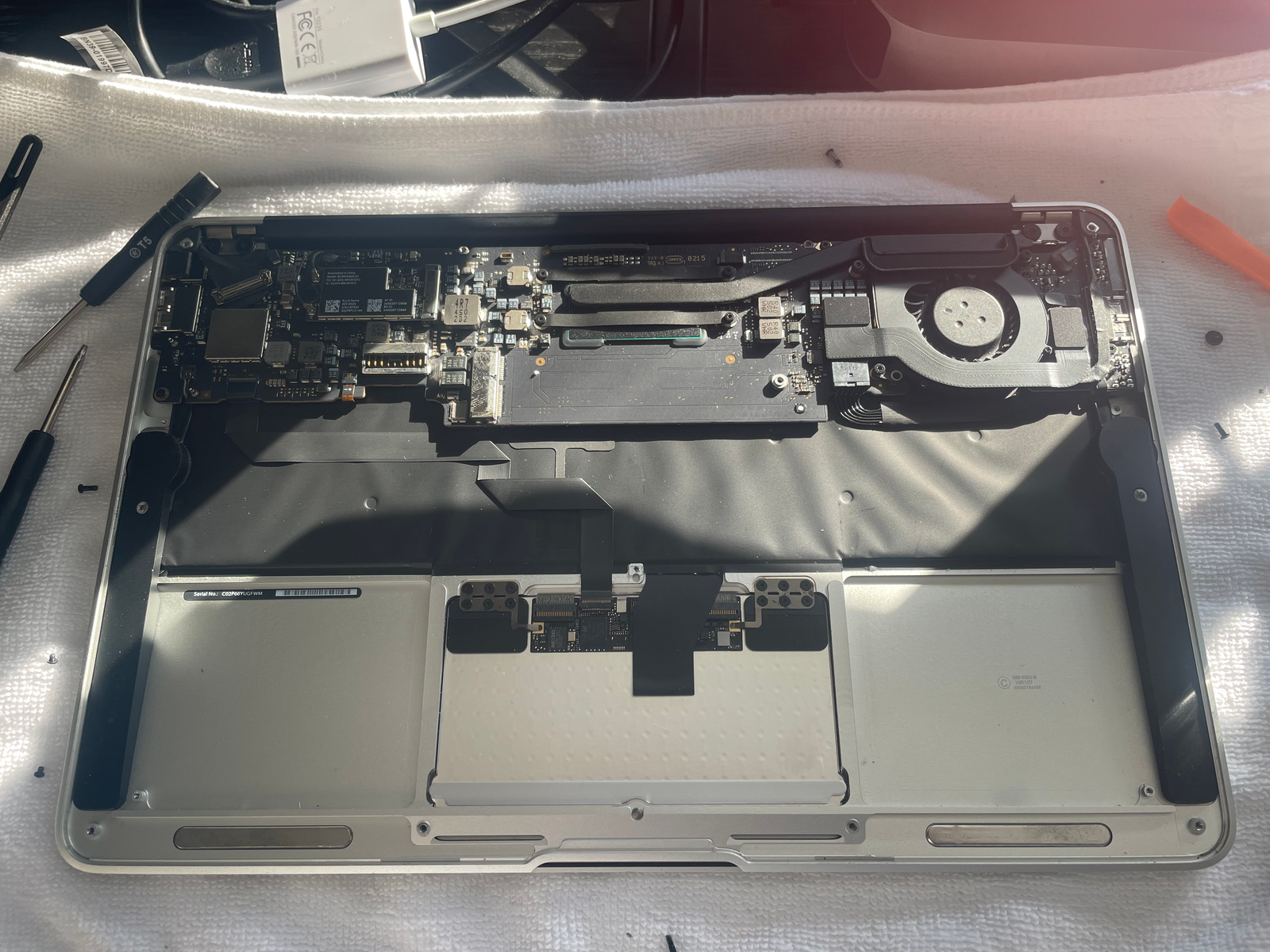
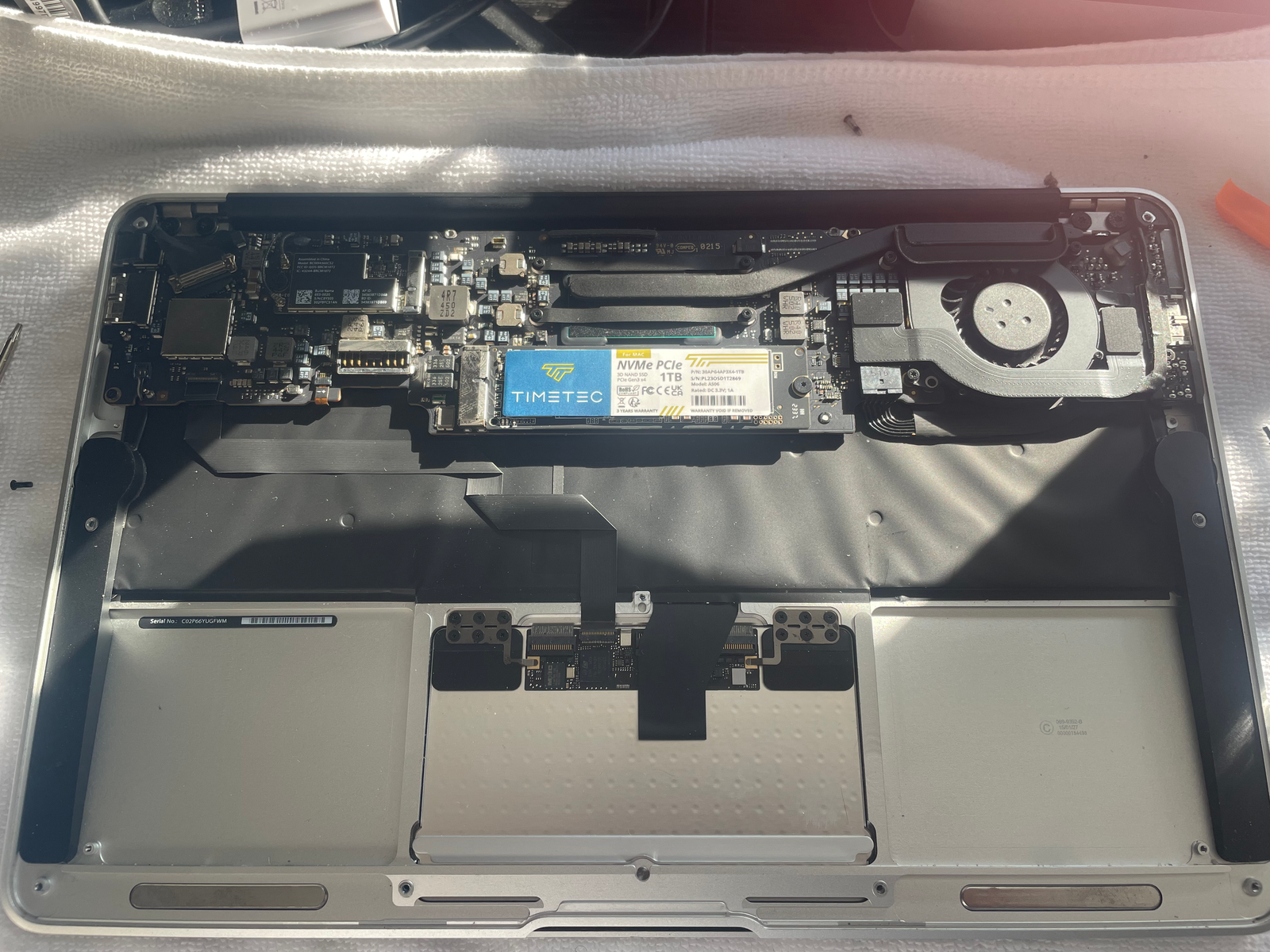
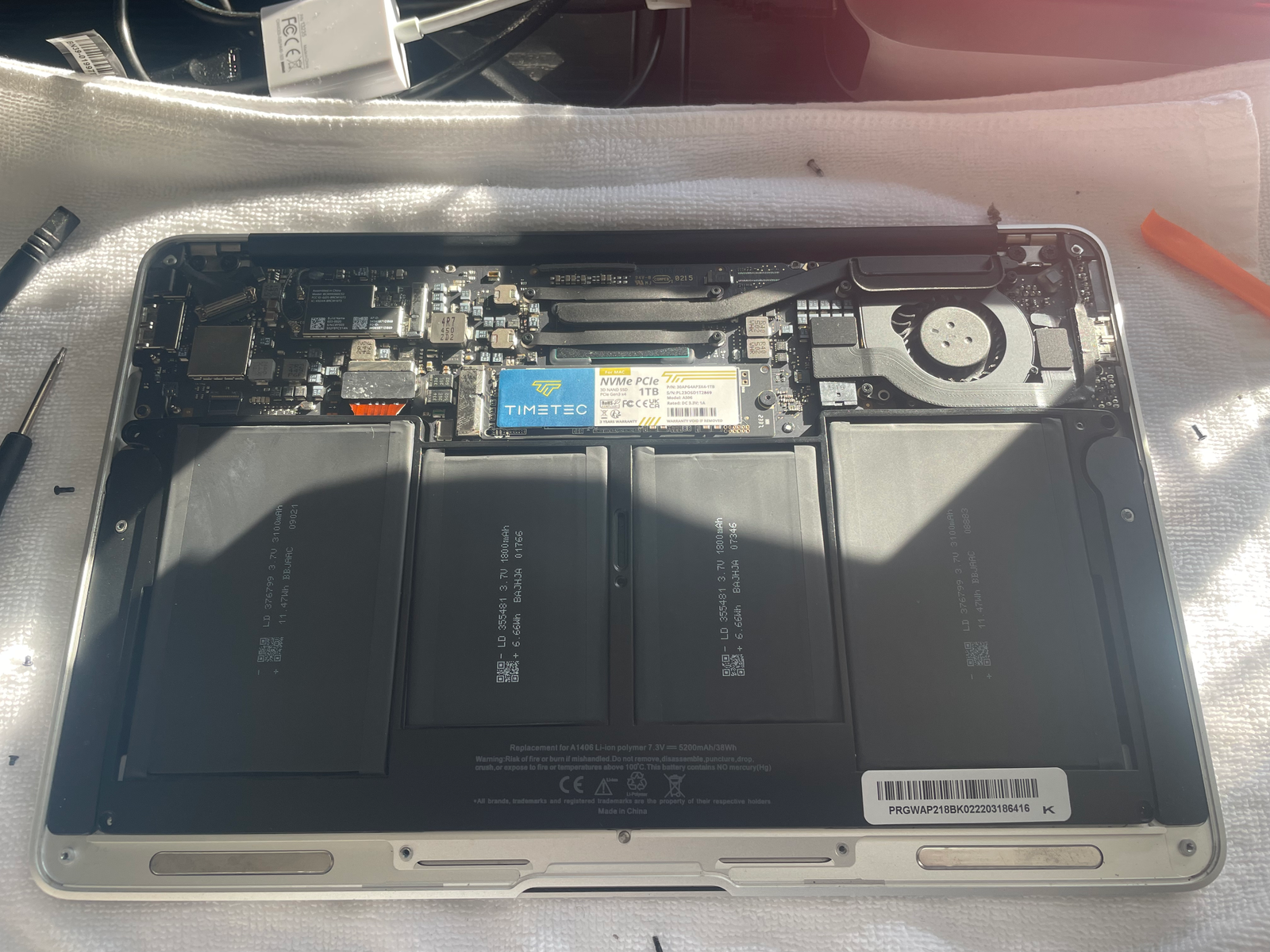
- Replaced the old SSD with a new 1TB drive.
- Installed a new battery to restore portability and reliability.
- Moved from Ubuntu to Xubuntu for a lighter desktop environment.
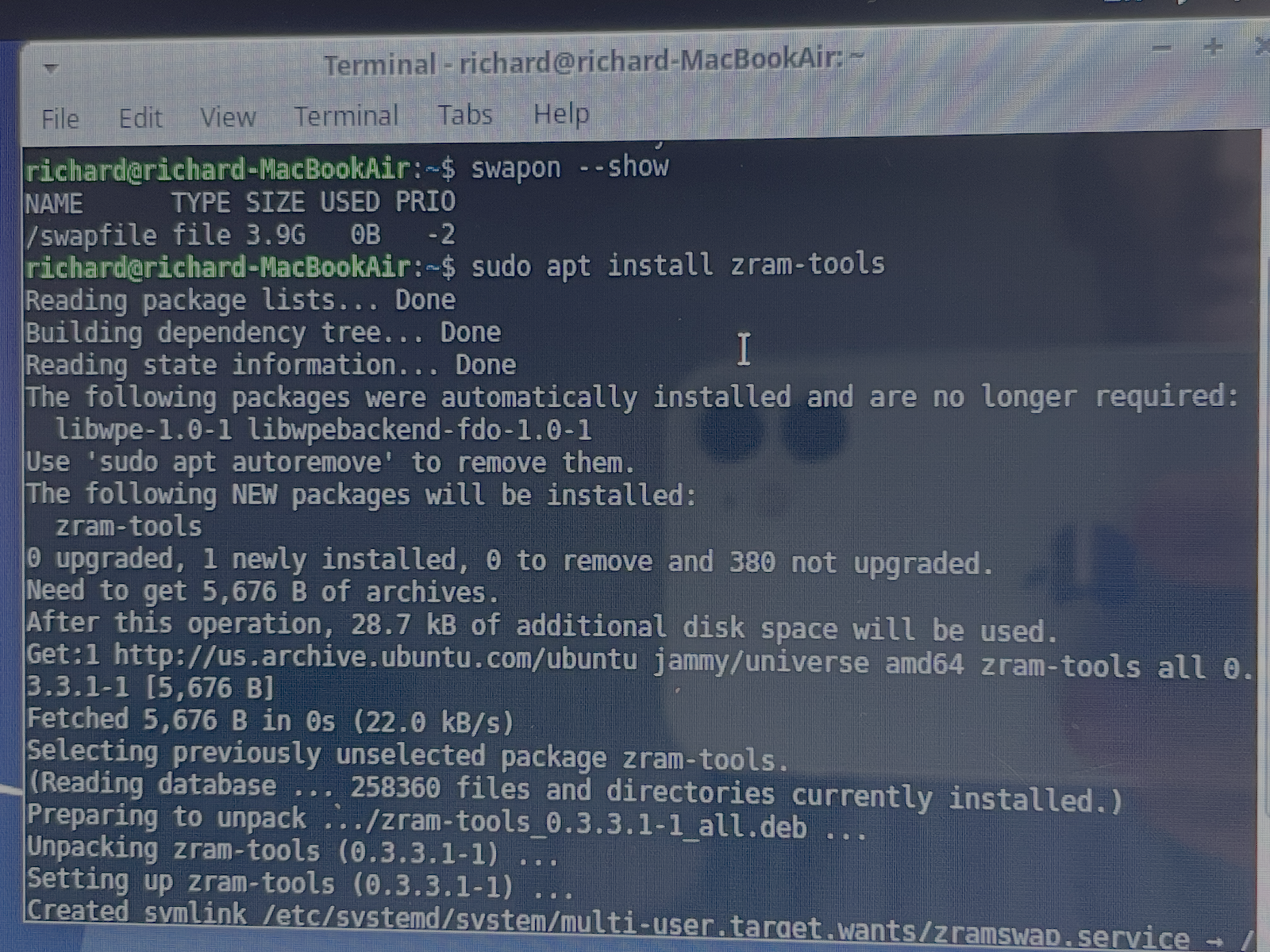
- Added swap and zRAM to make the most of the system’s limited memory.
- Installed offline tools and documentation to turn it into a self-contained knowledge device.
Phase 1
Hardware refresh
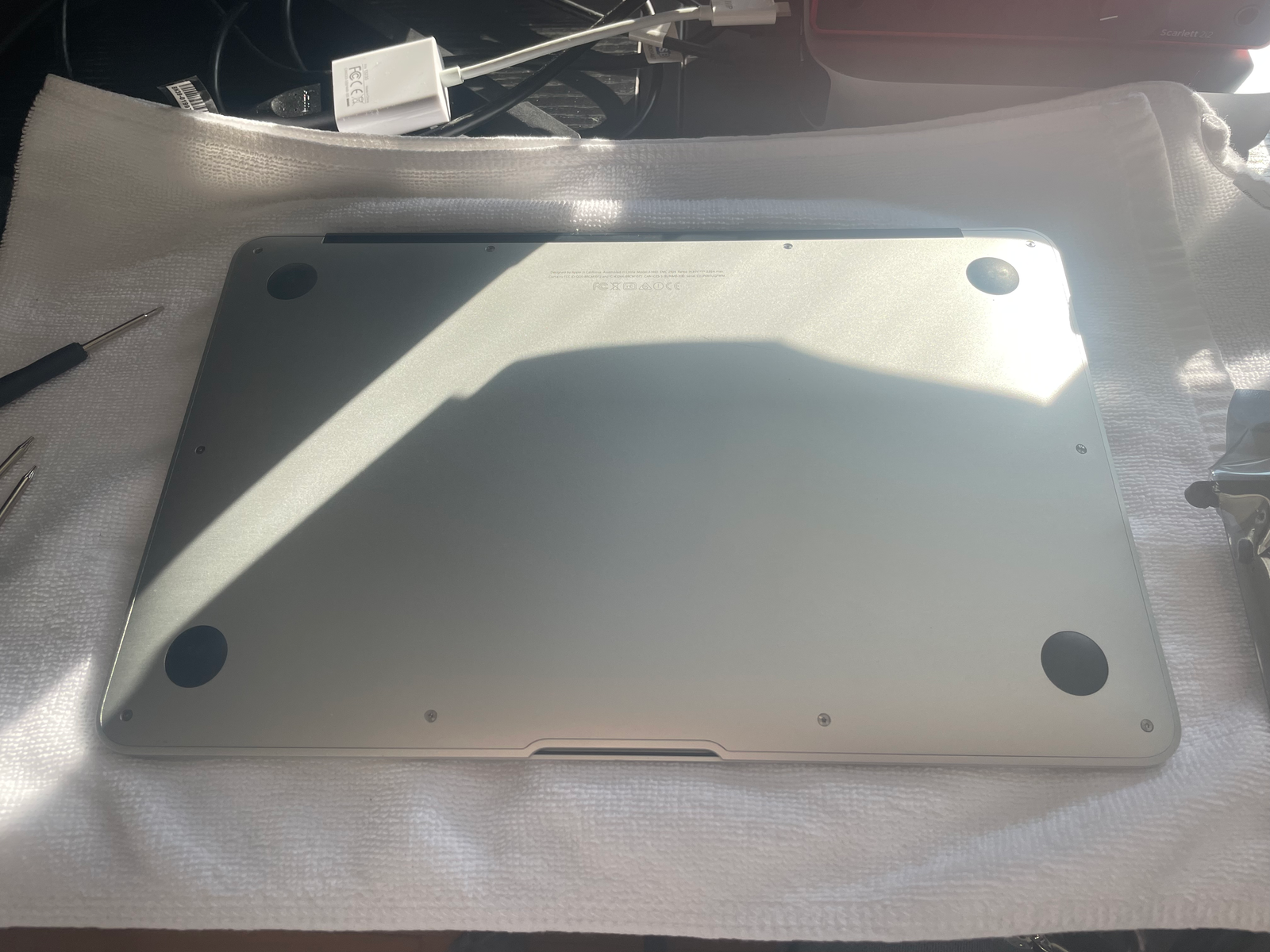
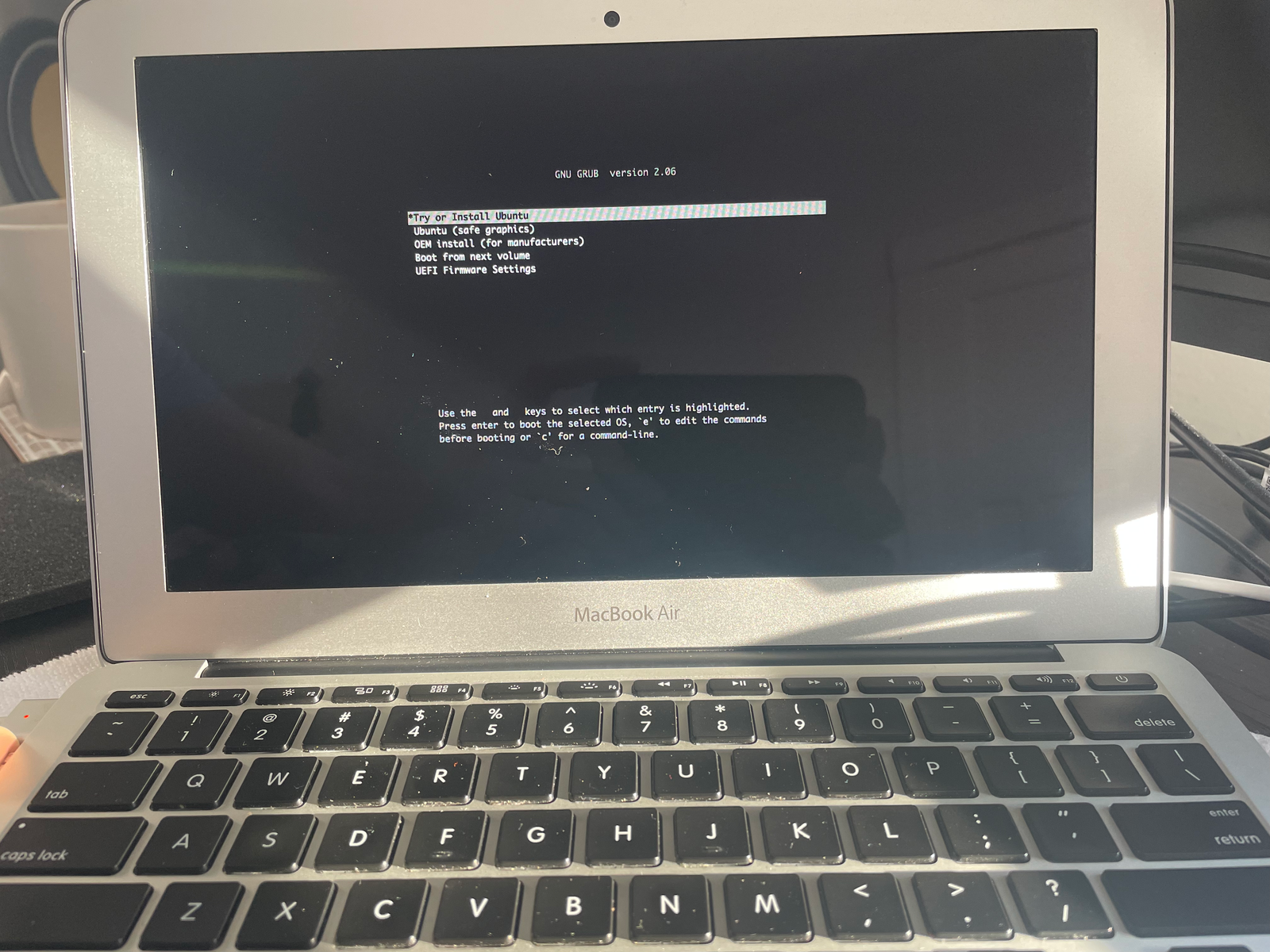
I replaced the SSD and battery, then verified the laptop booted.
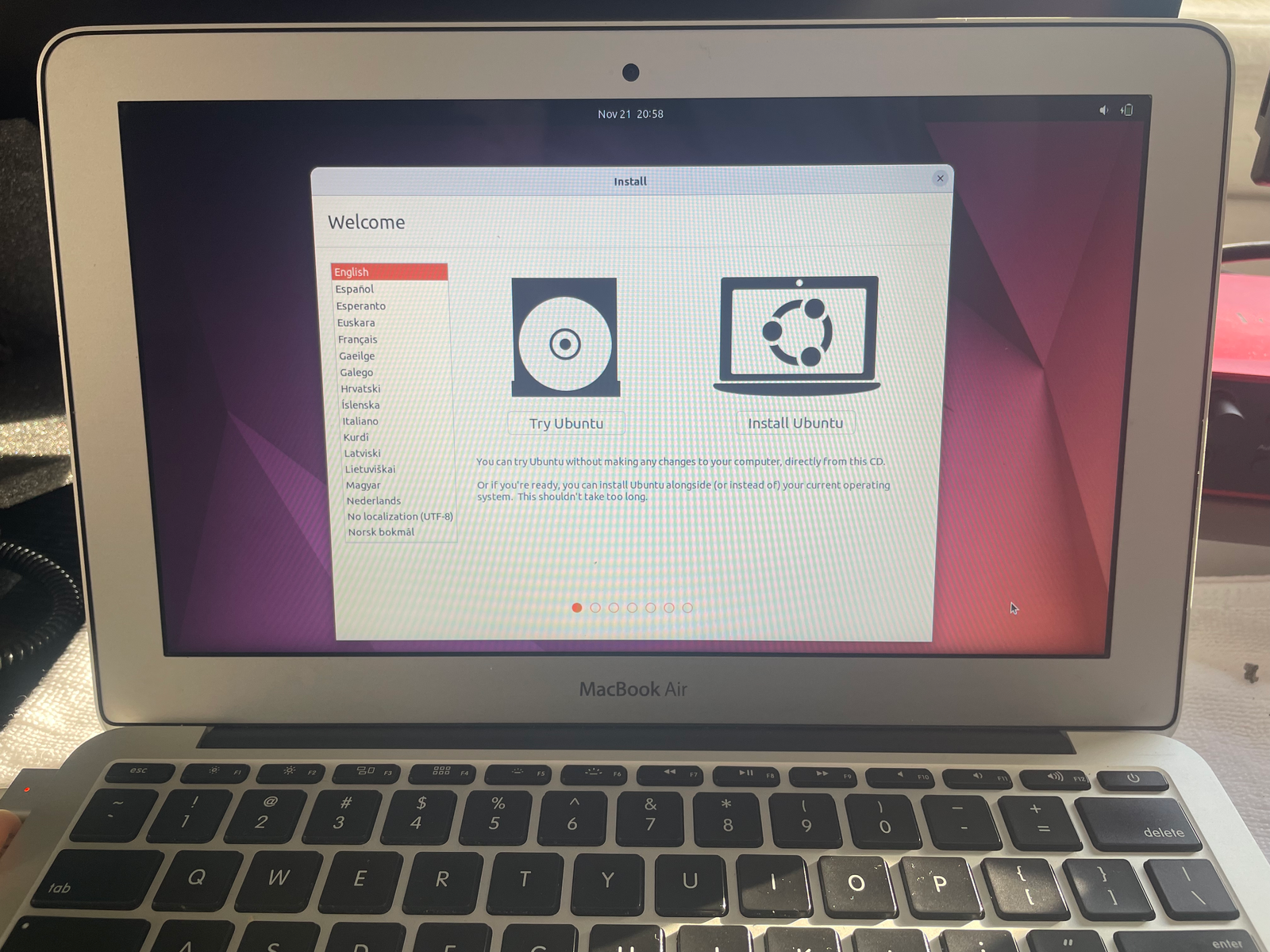
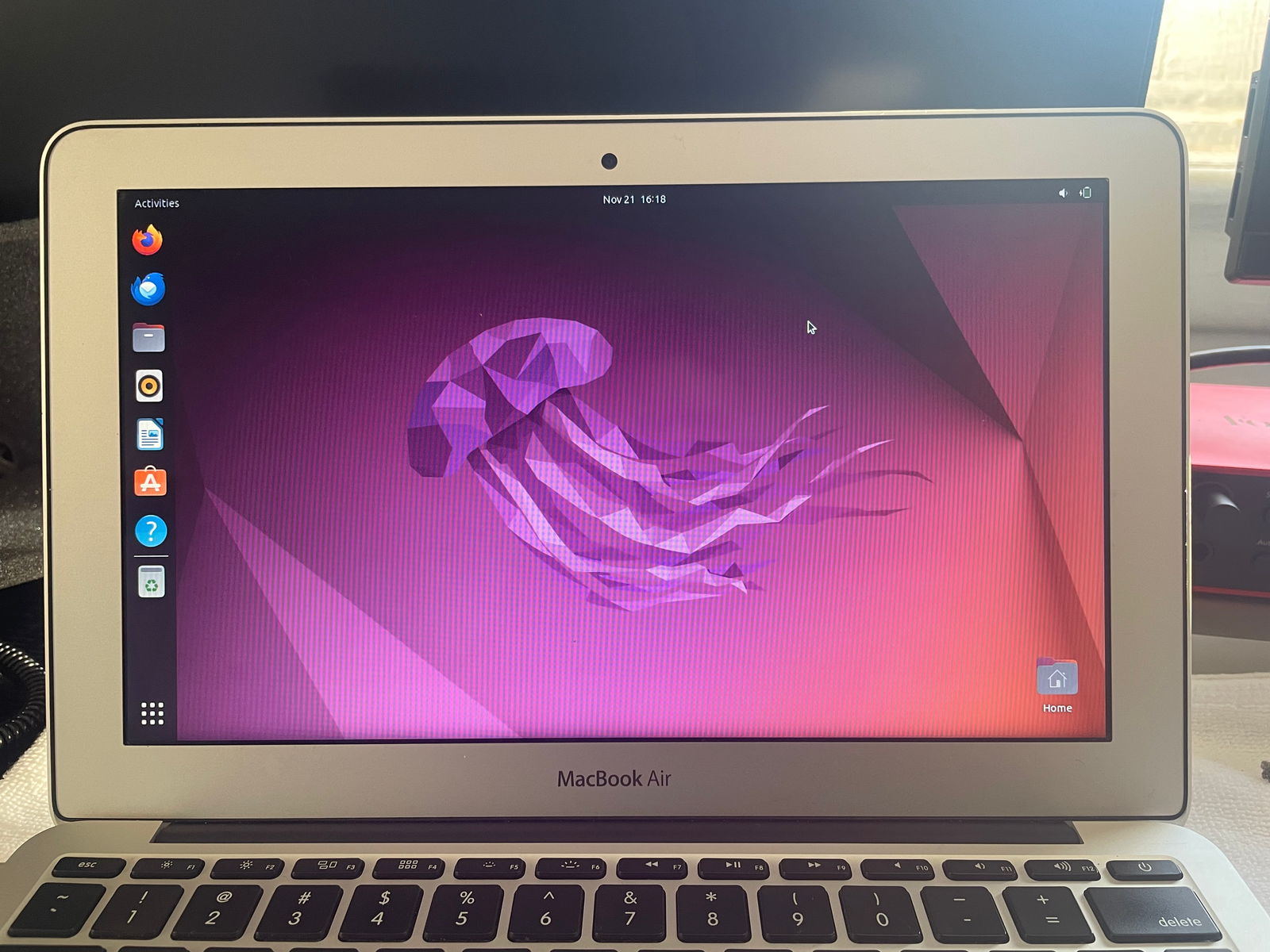
Phase 2: turning it into a knowledge hub
With the hardware working, I added offline documentation and reference tools.
System optimization
- Switched from Ubuntu to Xubuntu to reduce overhead and keep the desktop responsive.
- Added a 4GB swap file to reduce memory pressure.
- Enabled zRAM compression to improve multitasking on a 4GB RAM system.
- Combined lightweight software choices with memory optimization to make the machine feel more stable in real use.
Offline tools and content
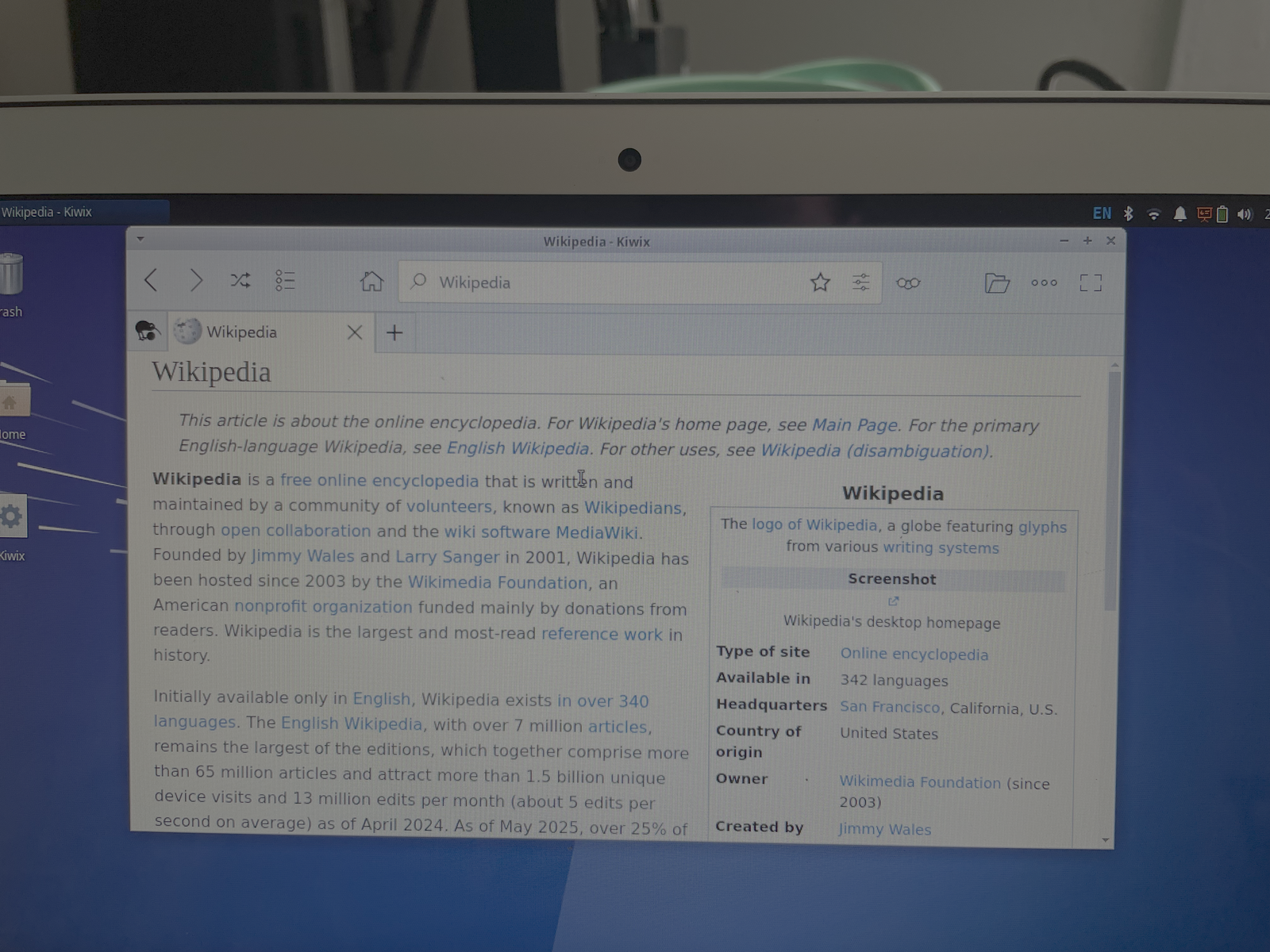
- Installed Kiwix for offline access to large reference archives.
- Downloaded Wikipedia, Wikibooks, Wiktionary, and Stack Exchange snapshots.
- Installed Zeal with offline documentation for Python, Bash, JavaScript, HTML/CSS, Git, and more.
- Created an organized
~/Knowledge_Hubstructure for books, PDFs, docs, and future models or tools. - Built a Bash-based search workflow for locating material inside the archive more quickly.
Result
The refurbished laptop now holds a portable programming library and general reference archive.
Phase 3
Final system snapshots
The finished setup, from memory configuration to offline tools.